Sharing links to passages in books
You can create and share a passage link to take recipients to that specific passage in the book (or in the digital library after searching within a set).
Note: To view passage links, recipients need to be signed into the digital library. If the title has limited availability, they may need to borrow it.
Sharing passage links while reading
Select the desired text. Then, select  in the pop-up to copy the passage link to your clipboard.
Or, click or tap on text you've already highlighted and select Share passage link in the sidebar.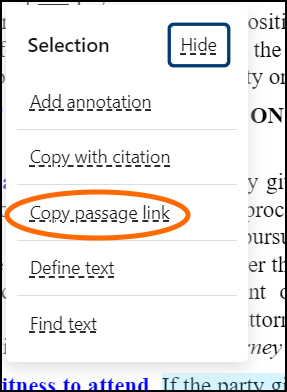
Sharing passage links from the digital library
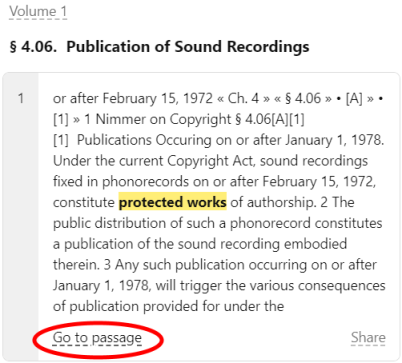
- Search a set for a phrase or keyword.
- Select Share passage link to copy the link to your clipboard.